
Building apps for architects and engineers is easy, but creating an intuitive user experience for people who’ve never touched a CAD or 3D software is really hard.
Here is a web app we built that allows users to design decks in 3D. We experimented with a few techniques to make the UX approachable for non-technical users. See breakdown below.
Breakdown
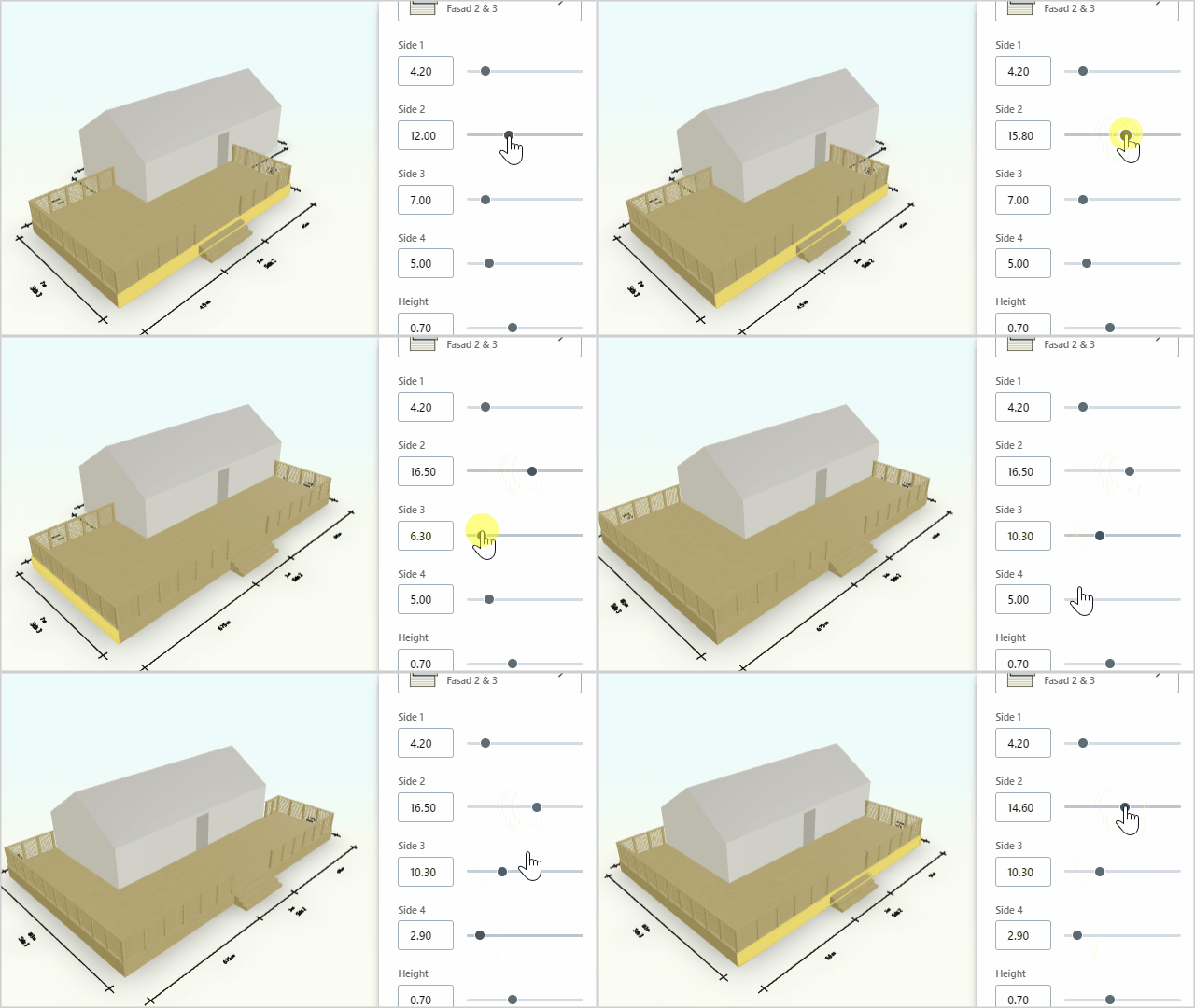
Parameters
Embrace parametrically controlled models and avoid forcing the user to draw things on the screen.
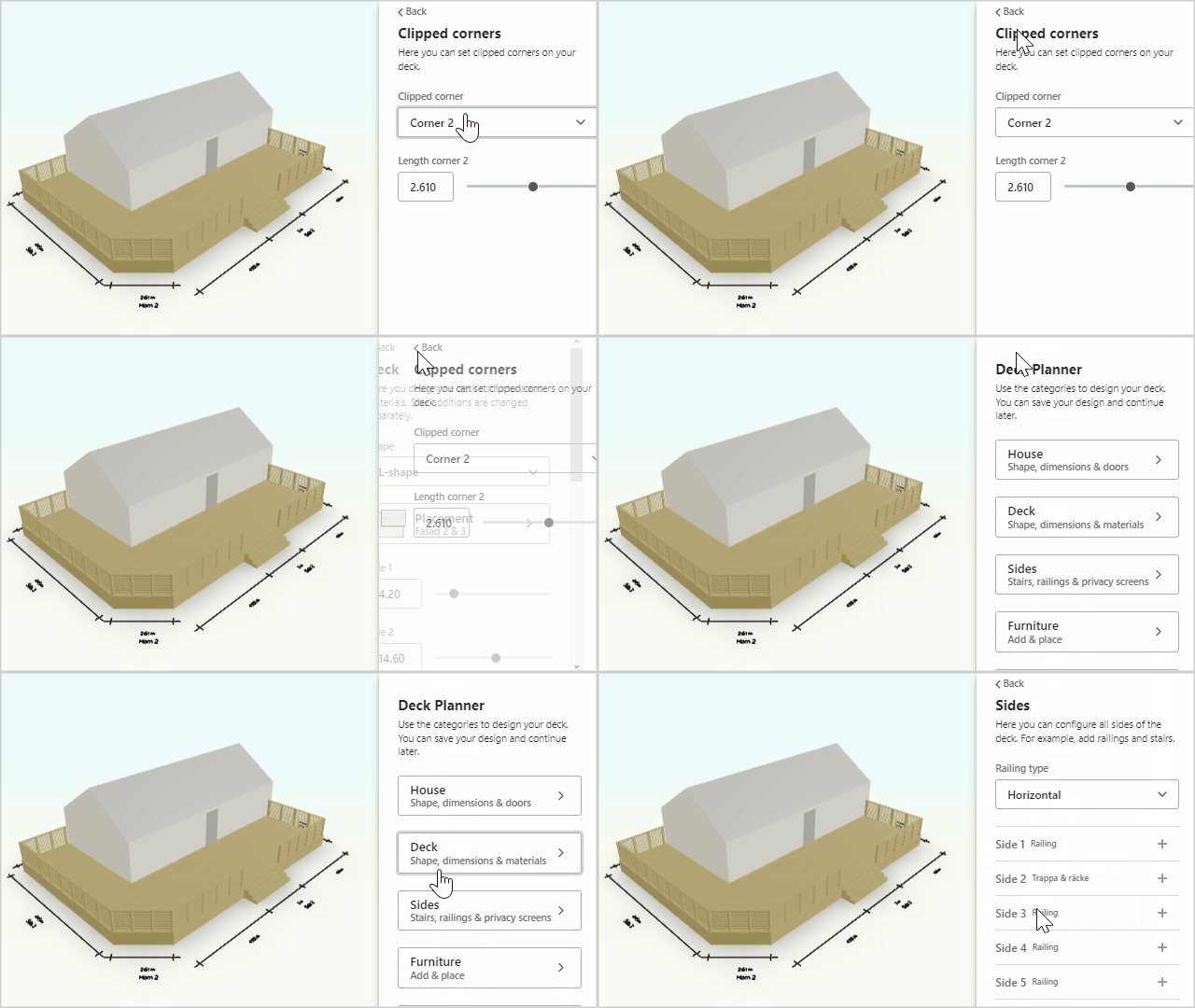
Stack screens
Use stack screen UIs to fully utilize the control panel height and ensure users stay focused on what’s important.
Highlight
Highlight meshes in the 3D scene when hovering on specific controls to create clear associations.

Summary
We launched the app earlier this year, and since then, around 15k unique users have designed decks using the tool 🤯 Something seems to be working! I’m curious if anyone has any additional smart tricks for improving user-friendliness of 3D apps?
 emil poulsen